Skip to content

if you want a step by step video on how to do that , you can check out the short video below :
You can also check this detailed guide on how to pay using Cash App.
1 - choose Bitcoin and proceed by placing order :

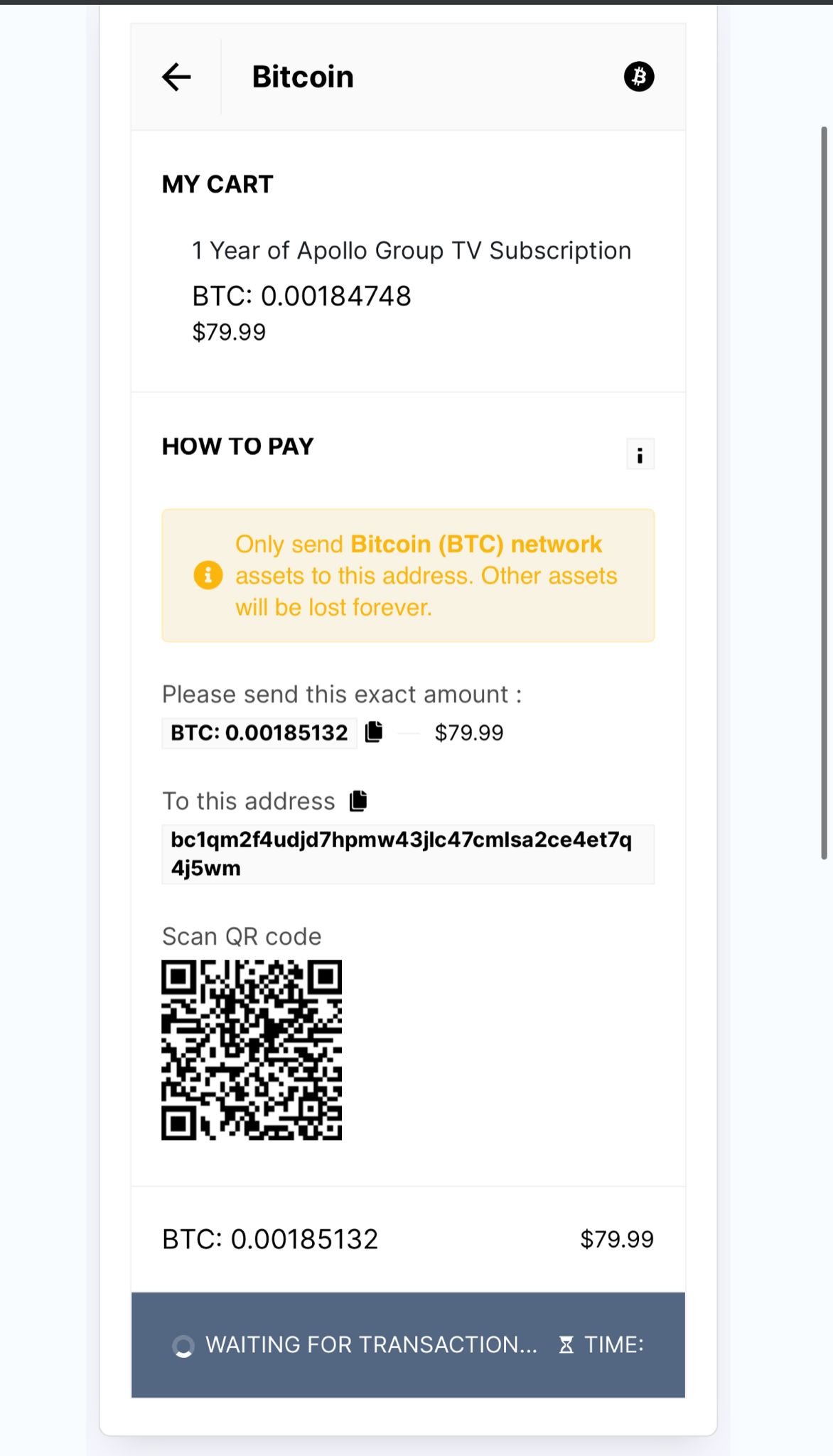
2- after choosing the coin you will be redirected to a page where you have to copy the address and the amount to send them via cash app, you can also scan the QR Code to get the address directly :
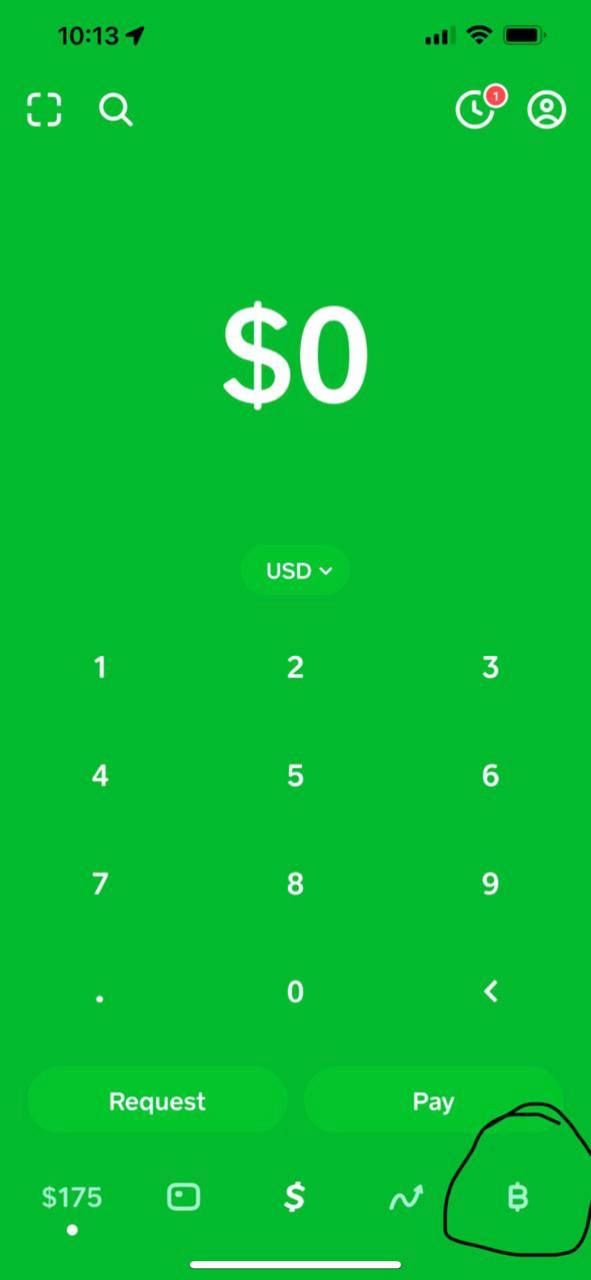
3- Open your Cash app and then click the bottom right Bitcoin [B] button
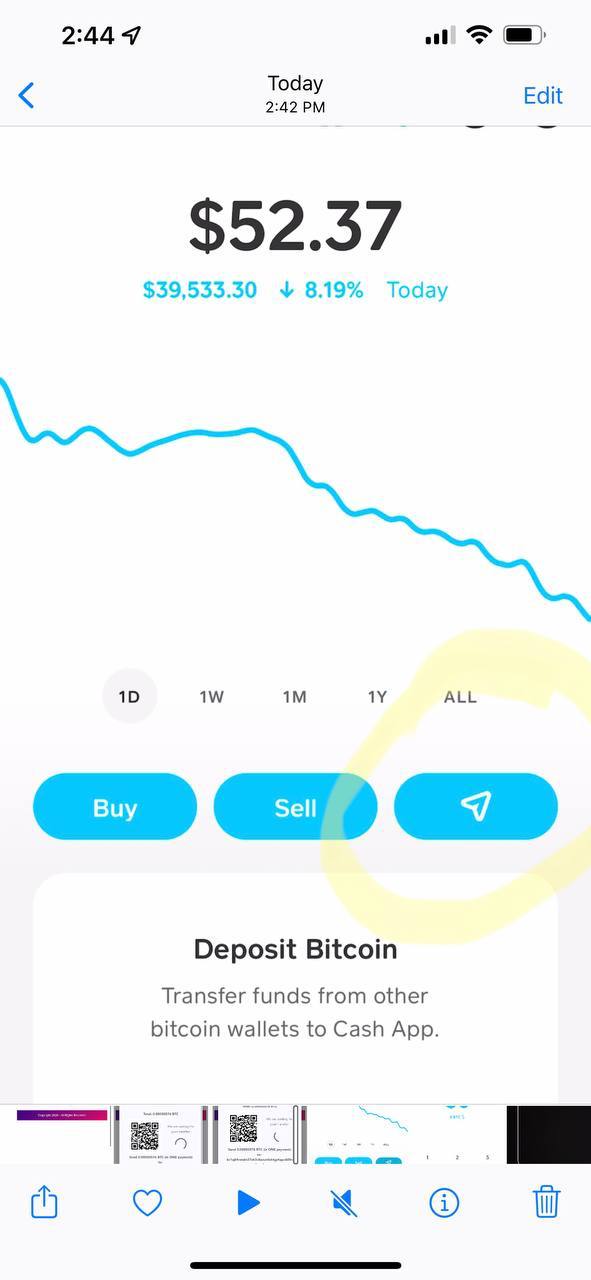
4- Click the paper airplane button
5. Click the box icon in the top left corner
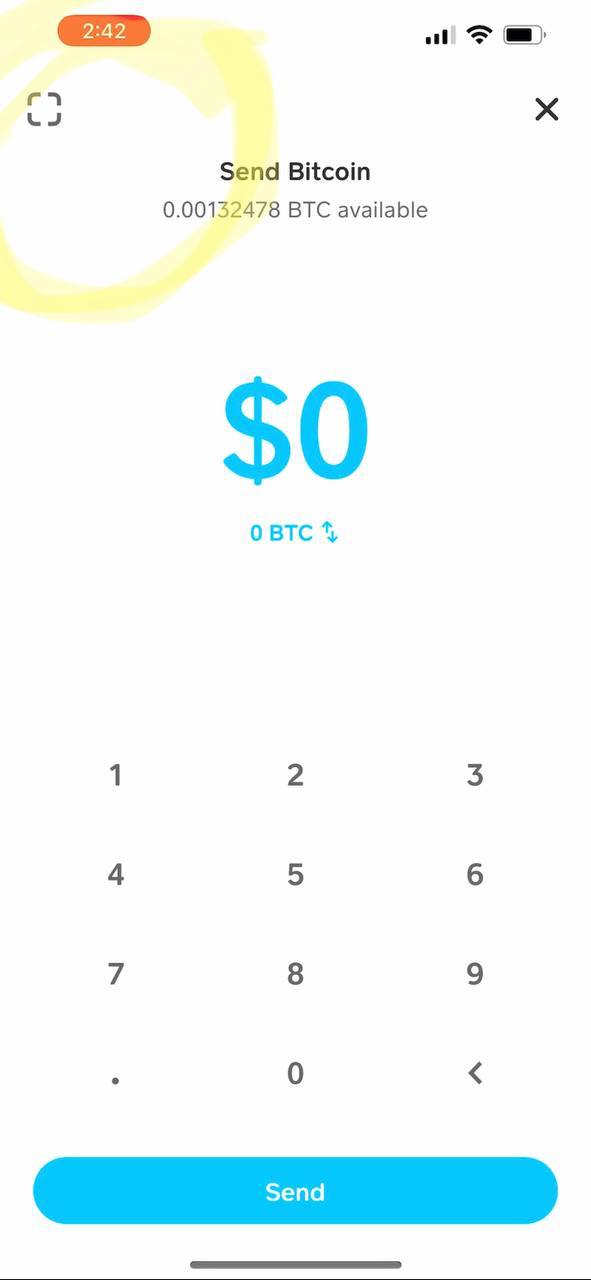
6. Click PASTE ADDRESS button OR you can scan the QR code that is in the checkout page of our website
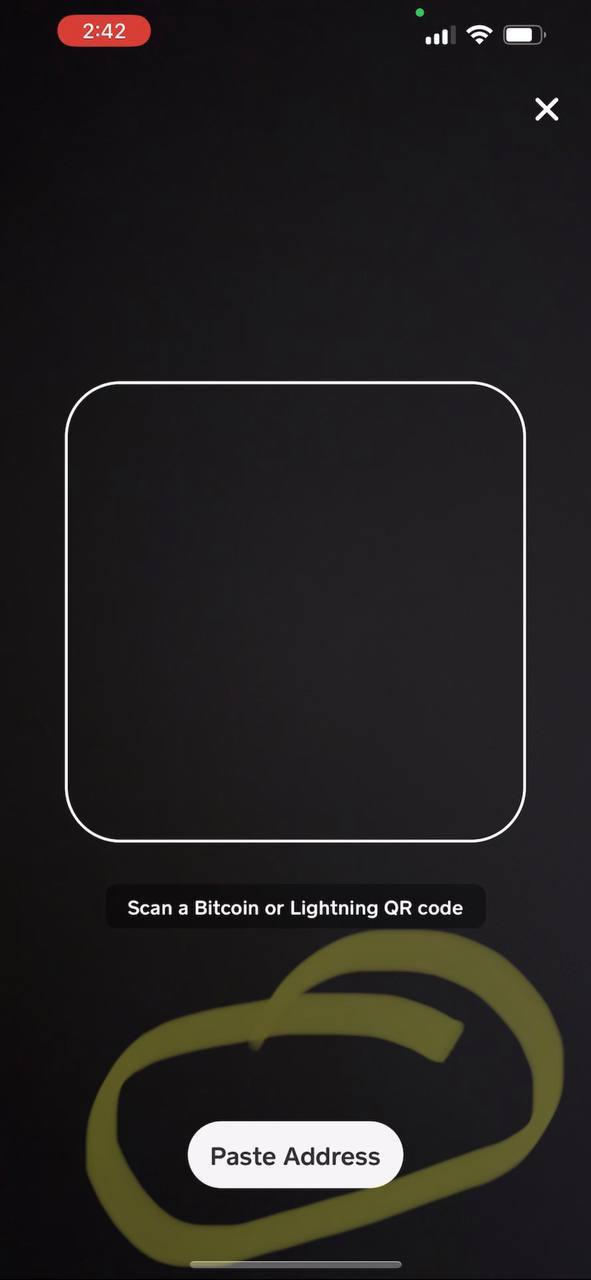
7. The wallet address from our website will be copied over to you Cash app
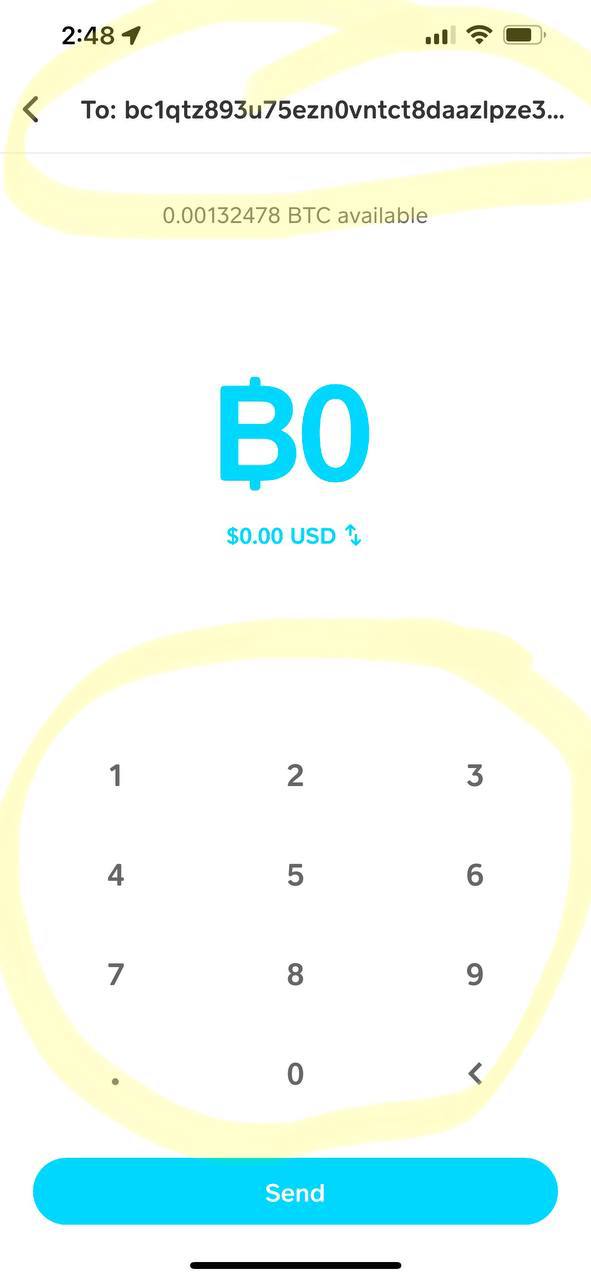
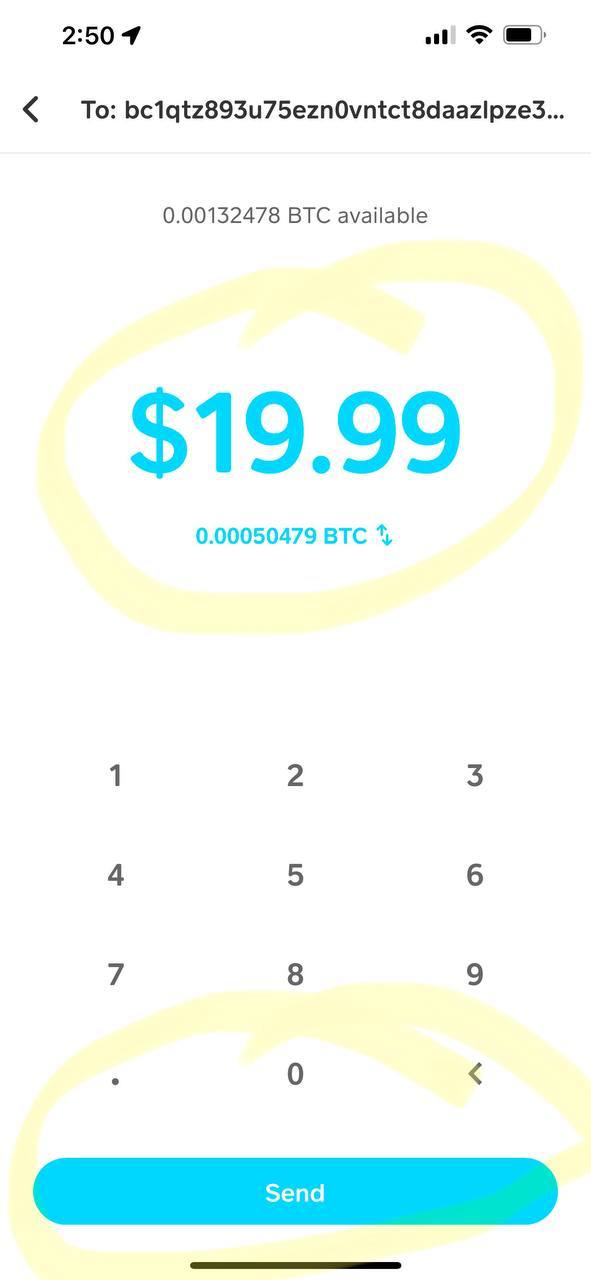
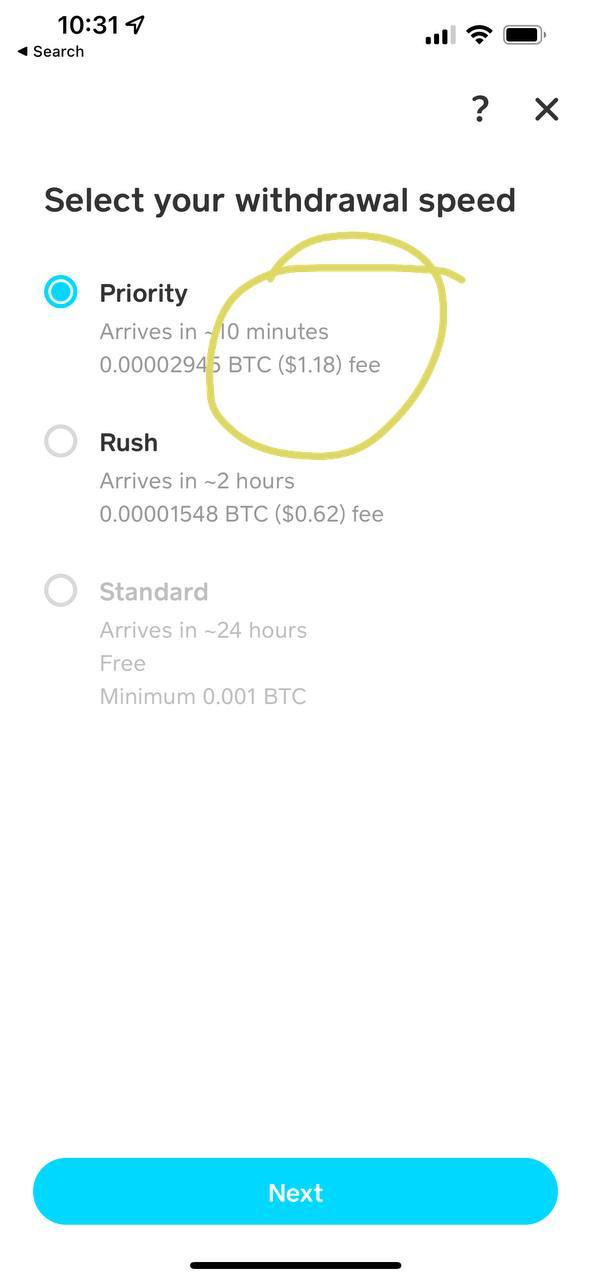
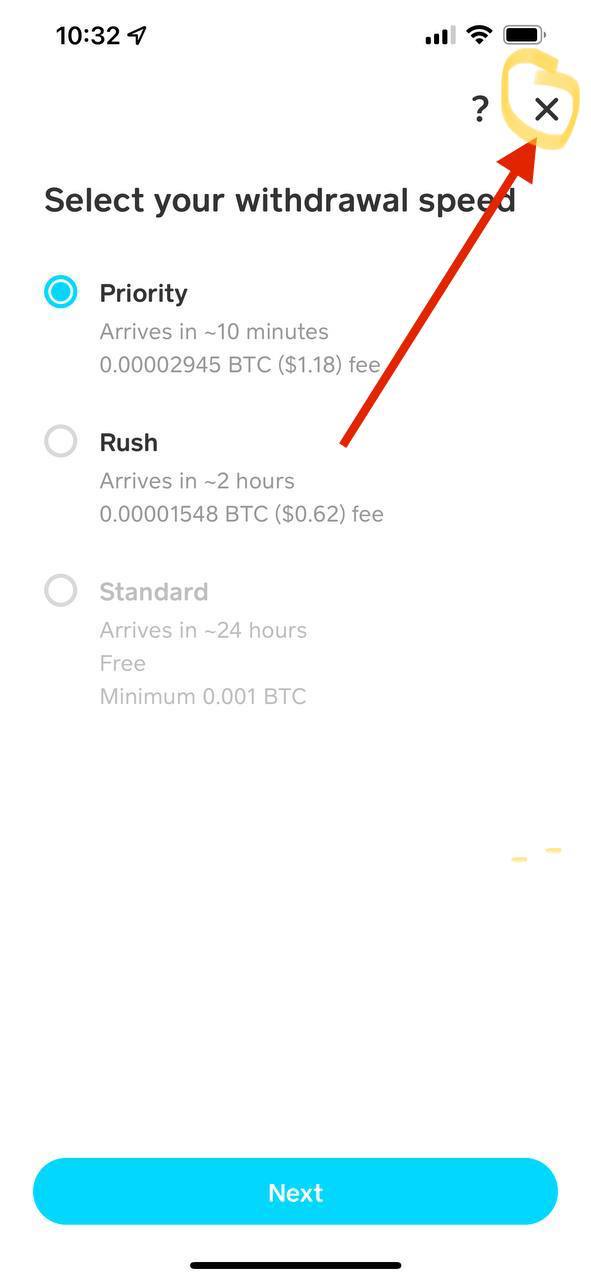
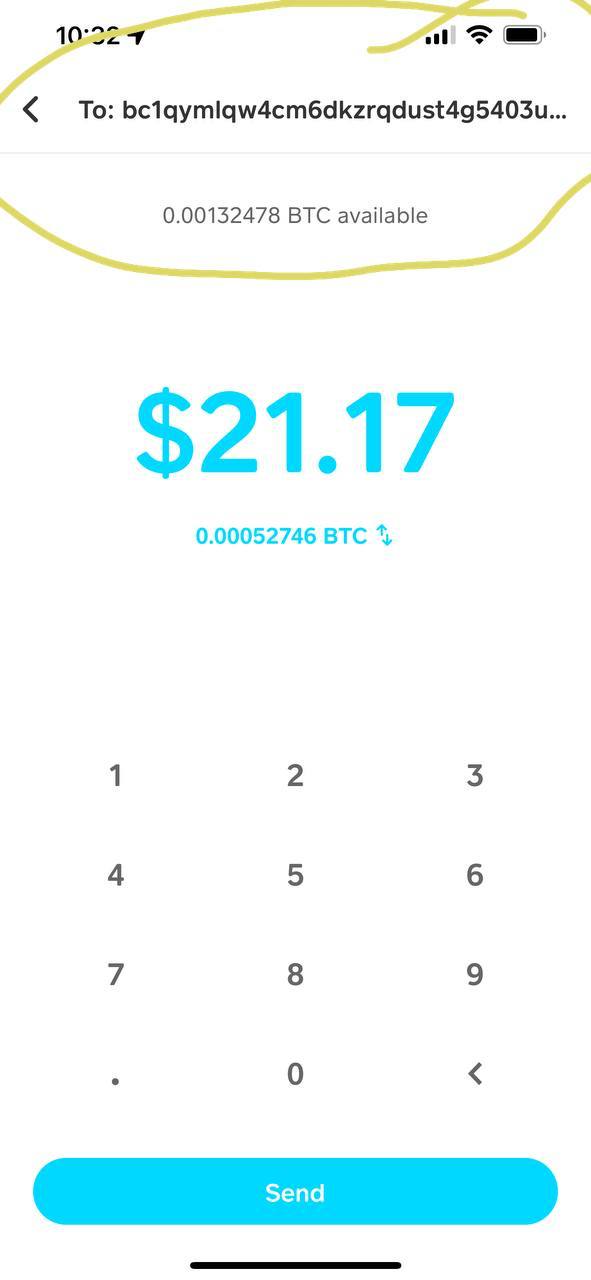
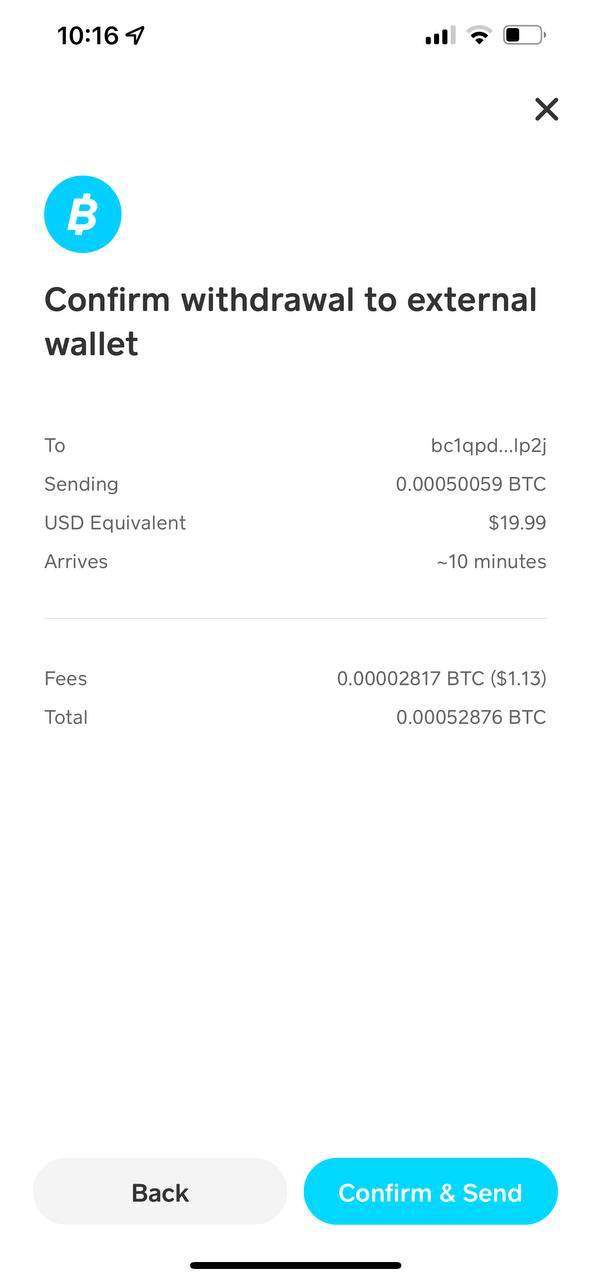
if you want a step by step video on how to do that , you can check out the short video below :
You can also check this detailed guide on how to pay using Credit Card (MoonPay).
1- Choose Bitcoin and proceed by placing order :
2- you will be redirected to a page where you have to copy the address and the amount to send them via MoonPay, you can also scan the QR Code to get the address directly :
3 - Please go to https://buy.moonpay.com/
4 - The next page, enter the amount and hit Continue

5 - Then Enter your Email hit Continue, it send you a code to verify your email address
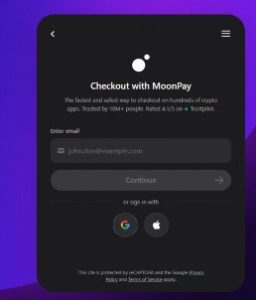
6 - Please follow the process after these steps, need to enter some of your personal details like your email, phone number, billing address.
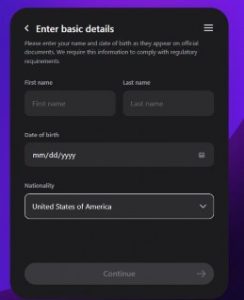
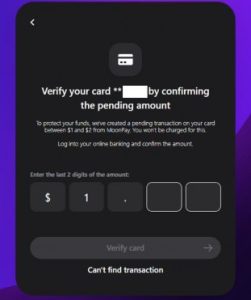
MoonPay also ask for your Card information and fill up your details then hit continue.
If you don't see it or don't have online banking, try the following:
- Wait for a few minutes and refresh your online banking as some banks may take longer to display the amount
- Call your bank and ask if they can provide the amount
- Try a different card
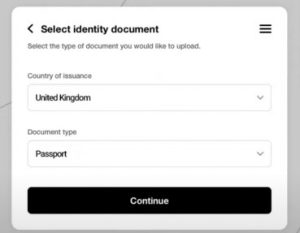
For mor information about verification process, please see this link as your reference:
https://support.moonpay.com/hc/en-gb/articles/360011931677-How-can-I-verify-my-identity
Once you’re done on the verification, you may now need to Enter your Bitcoin wallet address(see the guide below) then hit Continue
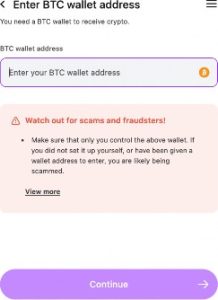
9 - now paste the address you copied in step 3 or you can scan the QR code in the checkout page on our website.
10 - on our website you can wait until the transaction confirms , wait until you receive an email from Moonpay that the transaction was completed.